Quick Start Guide: Custom Checkout Questions


RESOURCES
Webinar
6 Creative Ways to Increase Revenue Beyond Ticket Sales
The Modern Fundraising Playbook for Arts Organizations. Learn how to build engaging campaigns that maximize patron loyalty and spend.
Webinar
The Modern Fundraising Playbook for Arts Organizations
The Modern Fundraising Playbook for Arts Organizations. Learn how to build engaging campaigns that maximize patron loyalty and spend.
Guide
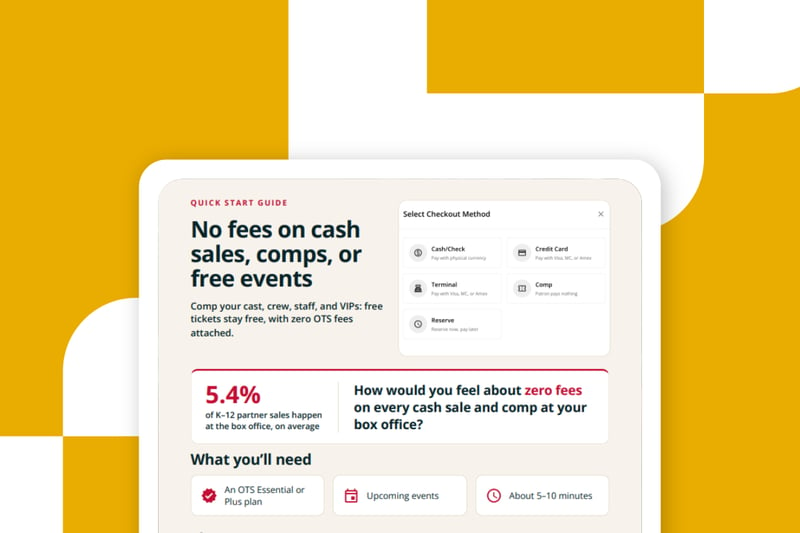
Quick Start Guide: No fees on comps or free events, cash sales for K-12
Free tickets stay free. Learn how K–12 schools can comp cast and crew, take cash at the door, and host free events with zero OTS fees attached.
See how OTS brings ticketing, marketing, fundraising, and patron loyalty together, for your organization specifically.
Request Demo