
Delight Ticket Buyers
A patron experience that’s also a growth strategy.
On The Stage streamlines every aspect of the patron experience, from initial discovery to final purchase.
WHAT SUCCESS LOOKS LIKE
Seamless experiences that keep audiences coming back.
On The Stage delivers mobile-first patron flows that look and feel like you - not us - at every step, creating a professional experience that feels designed rather than assembled. The result isn’t just better patron satisfaction: it’s fewer abandoned carts, less strain on box office teams, more sales, and higher retention rates.
-
Easy Checkouts
A fast, mobile-first path from discovery to confirmed purchase means fewer patrons give up partway through.
-
Patron Self-service
Patrons can easily find their tickets, manage their orders, redeem subscription tickets and membership benefits, and manage renewals on their own - without a password.
-
Consistent Experiences
Showcasing your brand consistently across websites, emails, self-serve resources, and the tickets in a patron’s wallet creates a seamless experience that keeps audiences coming back.
Event Discovery
Bring your events to your patrons.
Make it easy for audiences to discover your organization, view your calendar, and browse individual events.
Display Multiple Events
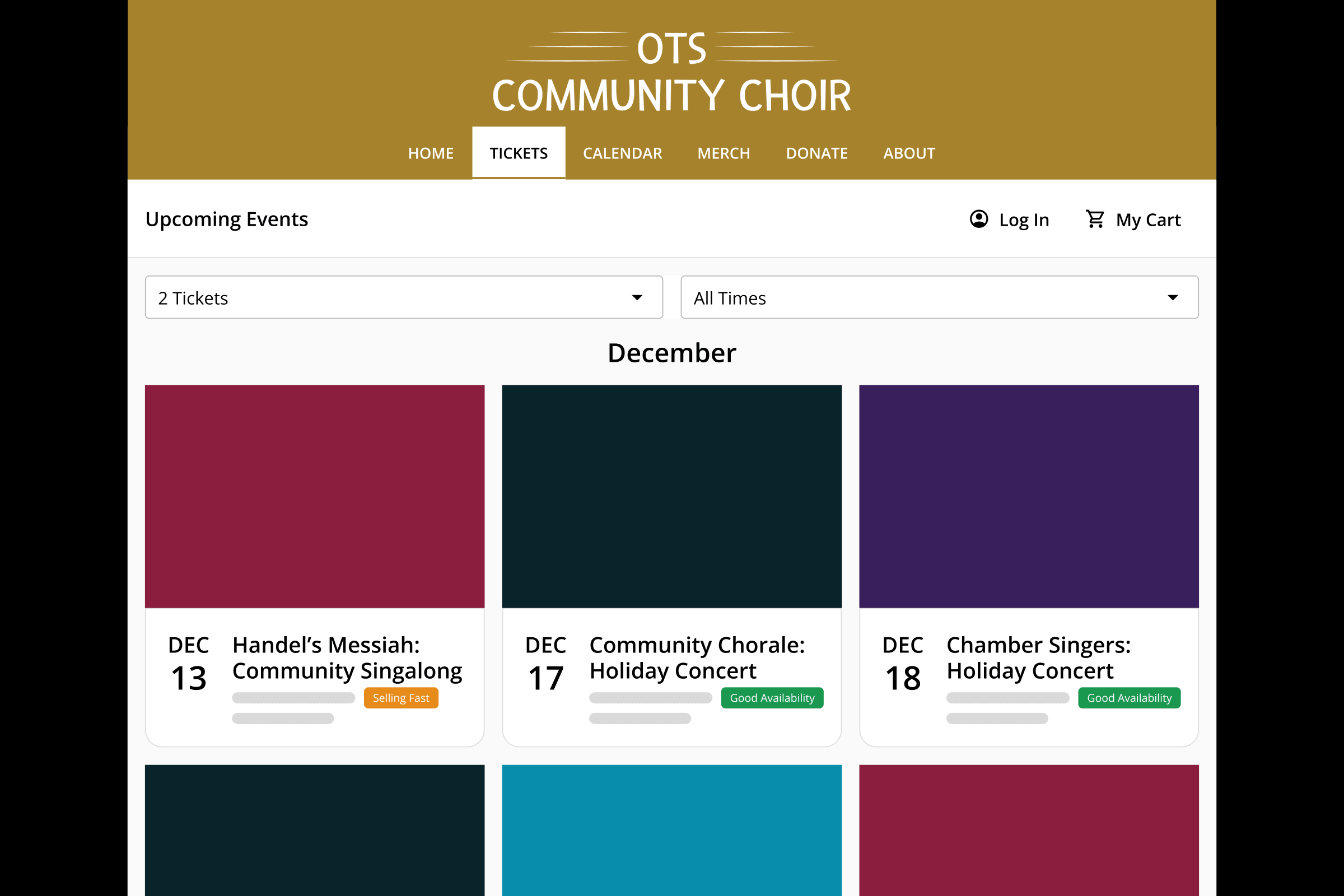
Display your full calendar using gallery view, making it easy for patrons to discover new events.
Sell from Your Website
Sell tickets directly from your own website instead of redirecting buyers to a third-party ticketing platform, using an embeddable ticketing widget that matches your brand.
Center Your Organization
Consistently display your organization’s contact details, address, and location everywhere that patrons are buying, eliminating confusion about who they’re buying from.
Use Your Branding
Create patron-facing emails and pages that use your organization's identity, not ours, to consistently showcase your brand and reduce confusion.
Display Capacity
Use capacity controls to automatically show patrons which events are selling fast or sold out.
Reserved Seating
Reserve seats using any device.
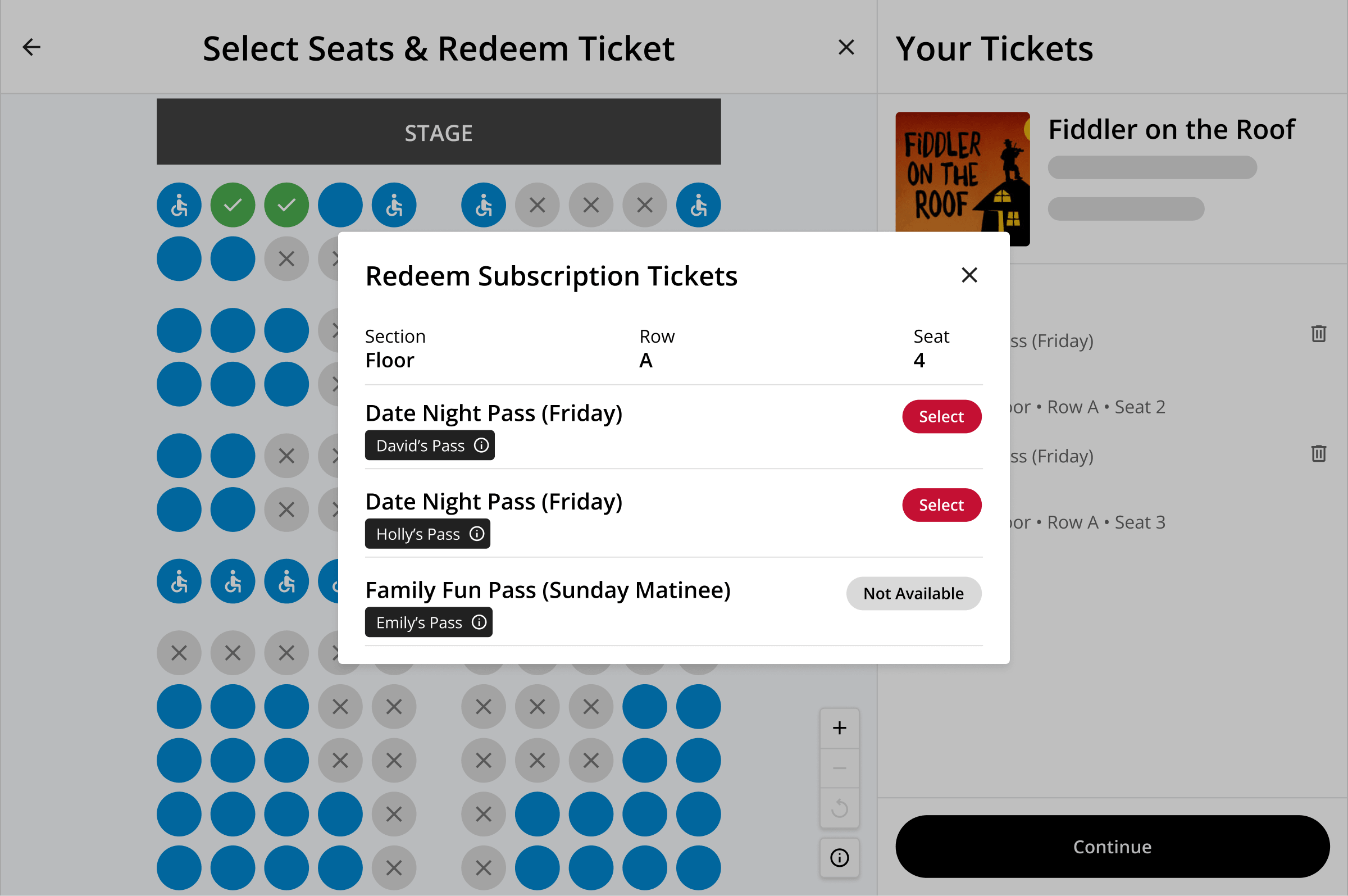
Once a patron finds what they're looking for, OTS lets them easily choose their tickets and seats with a few clicks using any device.
-
Mobile-friendly Seat Selection
Browse and select seats from a visual seating chart, even when using a phone or tablet.
-
Buy for Multiple Events
Purchase tickets and reserve seats for multiple events or performances in a single transaction, rather than having to check out separately for each one.
-
Streamlined Subscriptions
Book the same seats for every performance in a subscription package in just three clicks.
Purchase Flow
Faster checkouts that increase sales.
Every step between “I want this ticket” and completing an order is an opportunity for a patron to change their mind, or get frustrated and abandon the purchase entirely. OTS is purpose-built to reduce the number of screens, clicks, and touch points it takes to complete a purchase, which leads to higher conversion rates and fewer abandoned carts.
Streamlined Purchase Flows
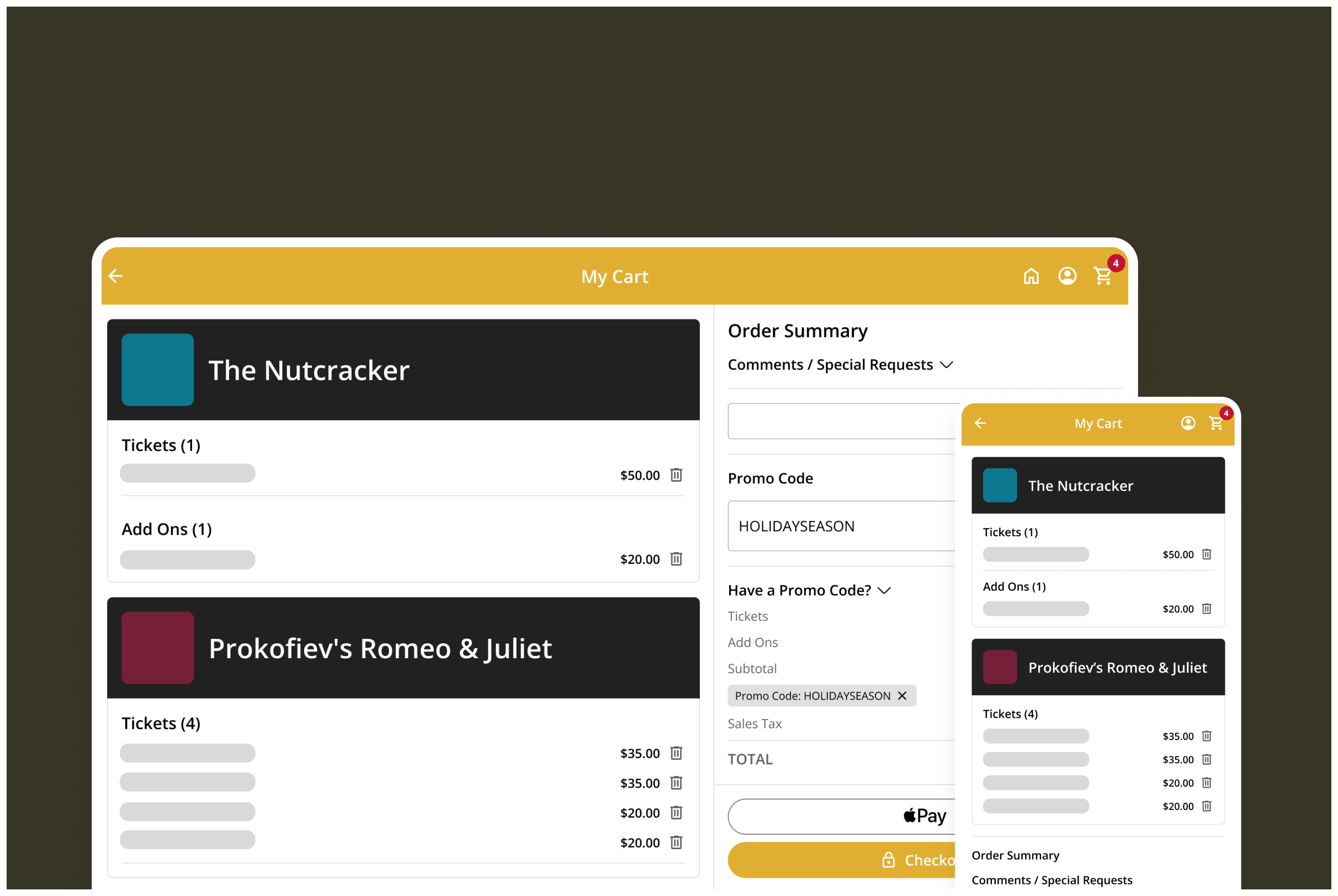
Complete a checkout in seconds, from any device, with a fraction of the number of steps (and clicks) required by other platforms.
One-click Payments
Use Apple Pay and Google Pay to complete transactions faster, without having to enter credit card details by hand.
Split Payment Purchases
Split large purchases, such as camp registrations or group sales, into multiple payments, or use buy-now-pay-later via Affirm.
Flexible Ticket Delivery
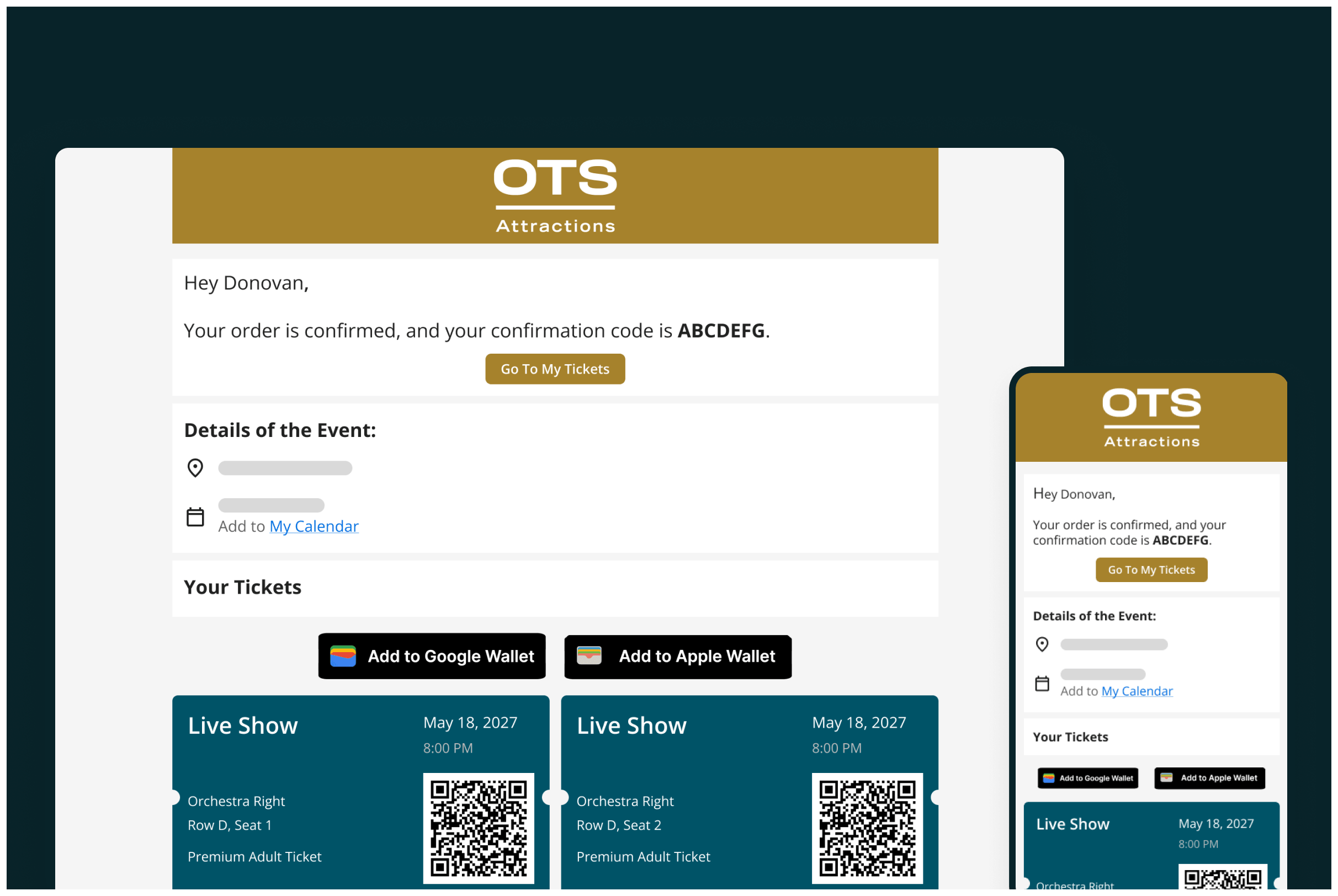
Automatically send mobile QR tickets, and give patrons the option to print tickets at home or pick up physical tickets at the box office.
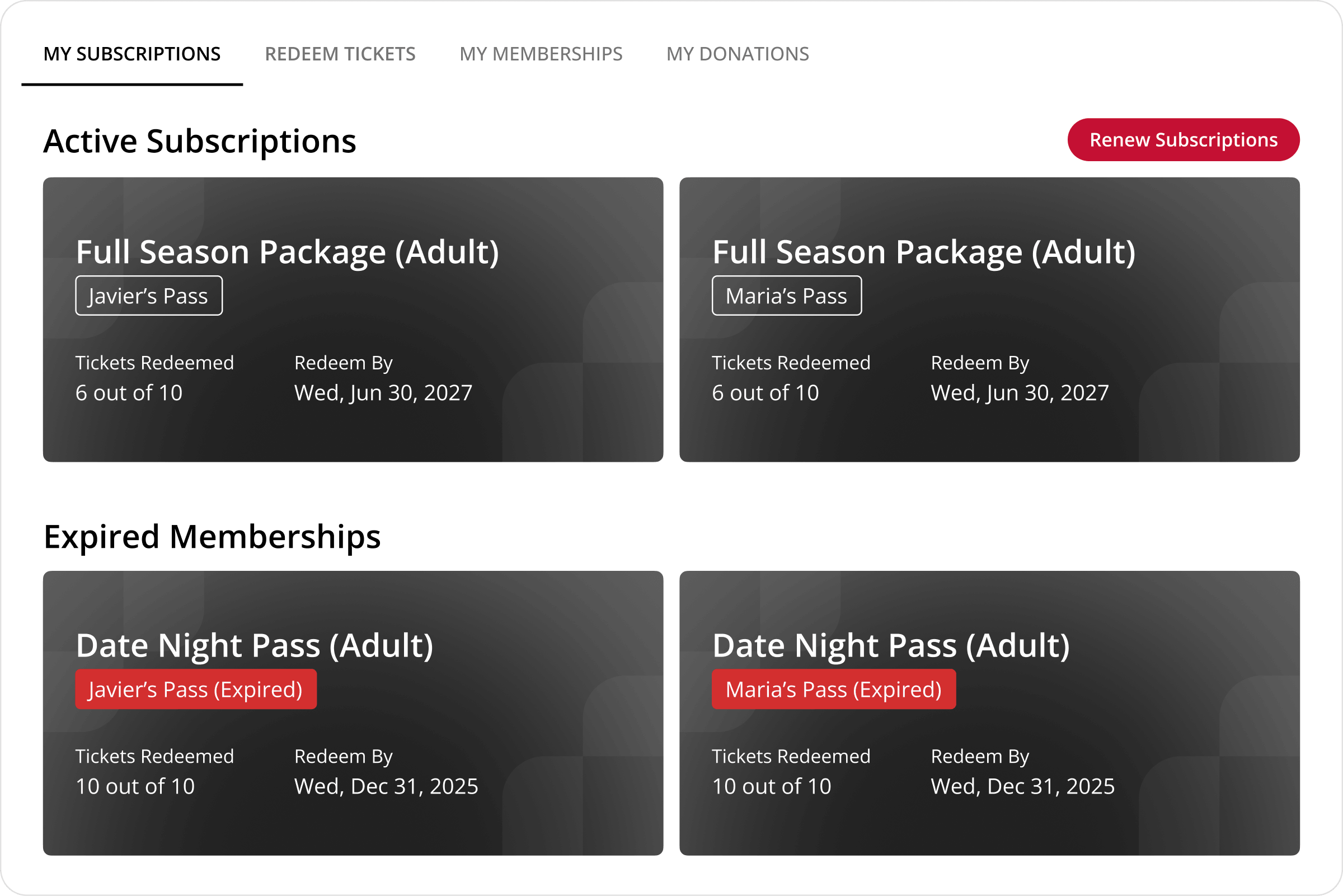
Patron Portal
Self-serve order and account management.
After an order has been placed, OTS makes it possible for patrons to manage tickets and orders on their own via the Patron Portal, resulting in fewer calls to your box office - all without a password.
-
Redeem Tickets
Subscribers can redeem their own tickets for the exact events, dates, and seats they choose.
-
Manage Perks
Allow members to view and redeem perks, such as access to exclusive discounts or blocks of tickets.
-
Renewals
Let subscribers and members automatically renew for next season, without having to call the box office.
-
Recurring Donations
Donors can automatically manage recurring donations.
DELIGHT PATRONS
Enhance the patron experience beyond ticket sales.
On The Stage offers a variety of ways to augment the lived experience of attending your events to delight patrons and raise order values.
Add-ons & Merchandise
Let patrons add concessions, merchandise, parking, or other extras to their order at checkout, turning a ticket purchase into something more.
Learn More →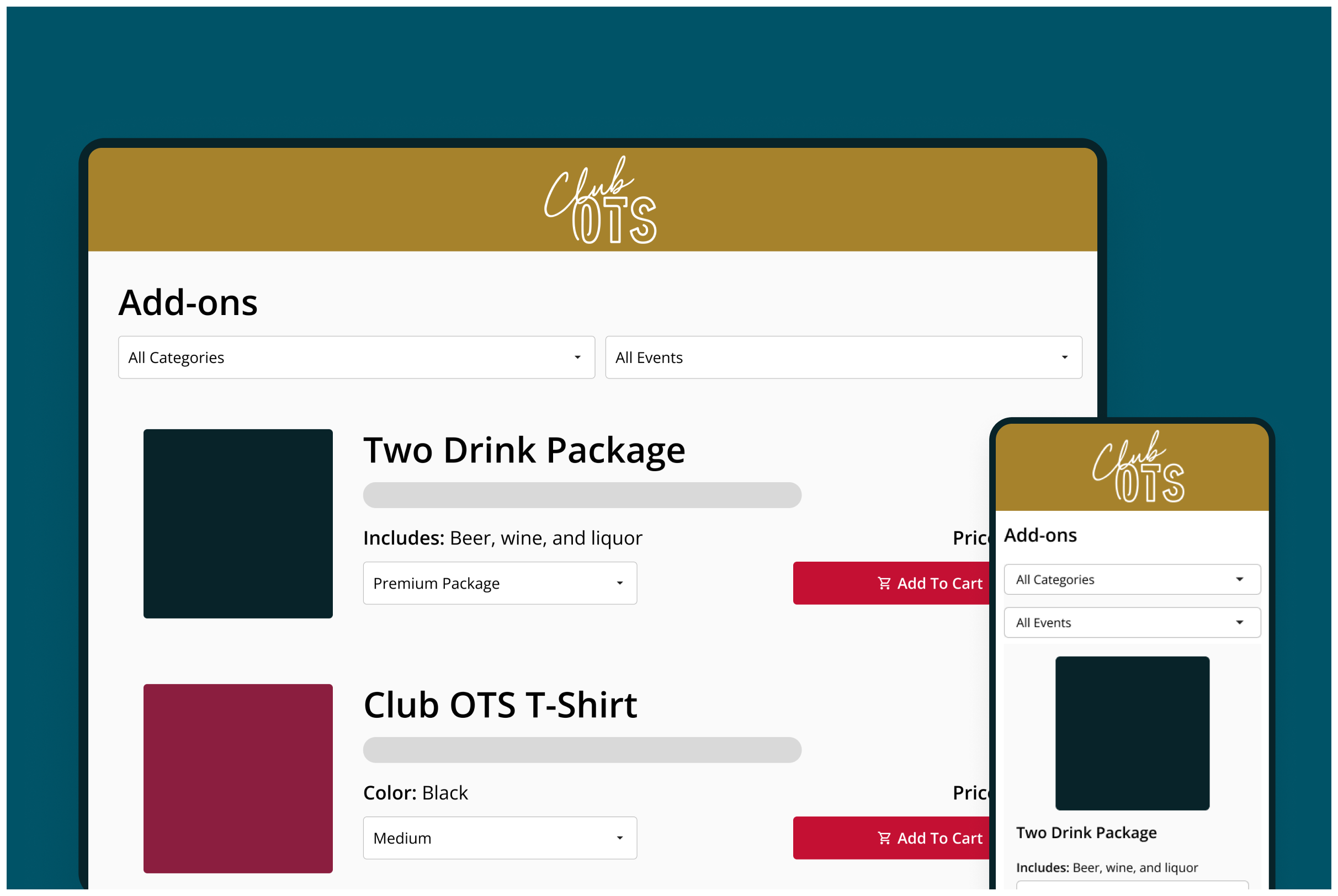
Member and Subscriber Perks
Subscribers and members can unlock benefits included in their package, such as exclusive tickets or special discounts during the purchase flow.
Learn More →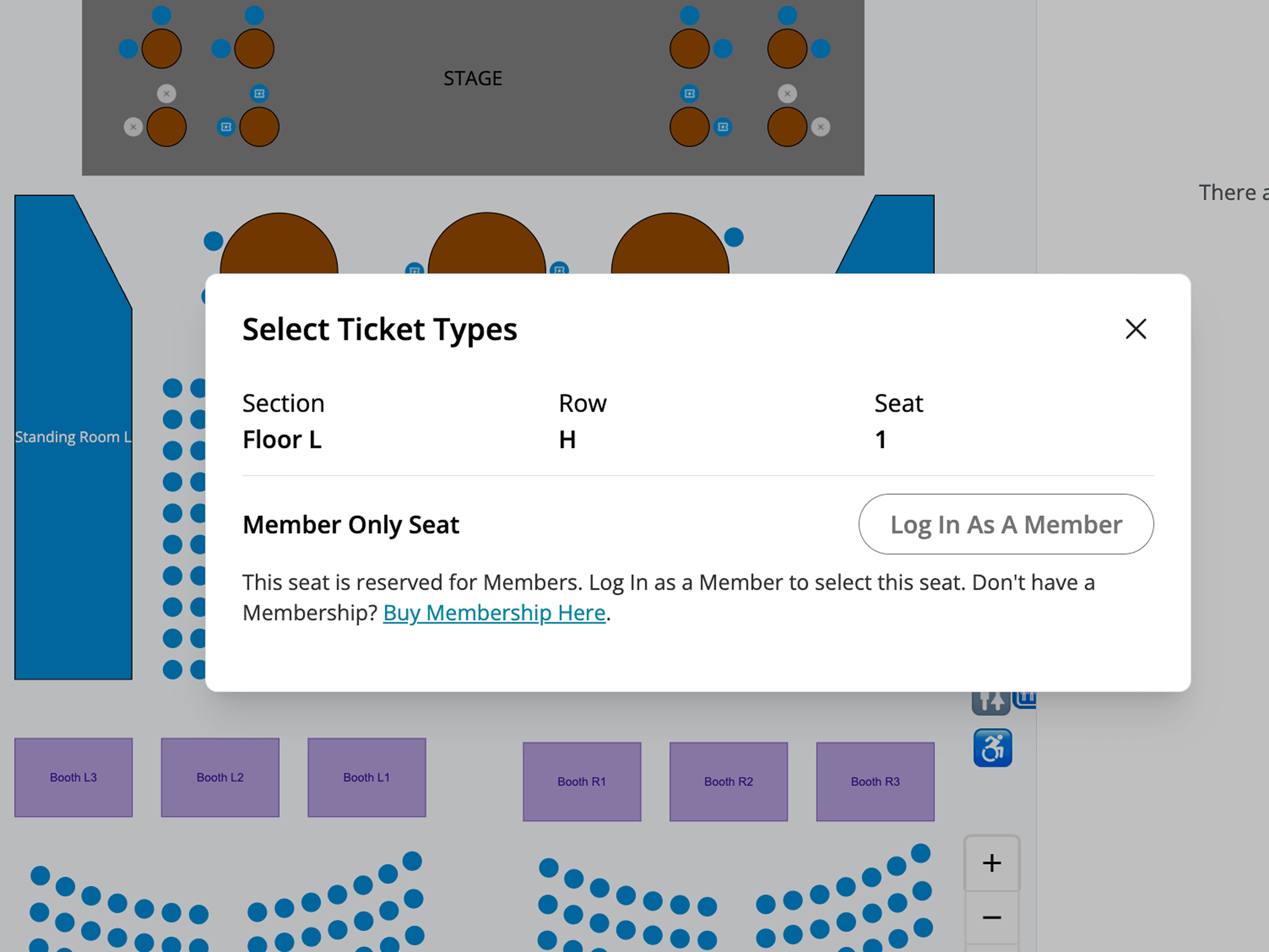
Offers & Upgrades
Give patrons the option to upgrade their seat or ticket type during the purchase flow, rather than leaving revenue on the table.
Learn More →

Ready to level-up your patron experience?
See how OTS brings ticketing, marketing, and patron management together in one platform.
Request Demo